
FULL ACCESS for 1 Year. Download Anything, Keep it Forever.
No Limits. *Access expires so be sure to make back ups!
Download anything for 1 Year. No Limits. Back it up, yours forever.
NEW! NOW INCLUDES a PROFESSIONAL ART BRUSHES LIBRARY by GrutBrushes
Digital Artists, doodlers, painters and Illustrators; I made these for you! With ❤️ Nicolai
Art Surfaces add paper texture surface lighting and shadow to your artwork “Live” while you paint in them. And YES, now the of 100s of GrutBrushes is now included!
"Live" Paper Texture Templates
Also available as flat Jpeg textures to create your own customised texture overlays in any art app.
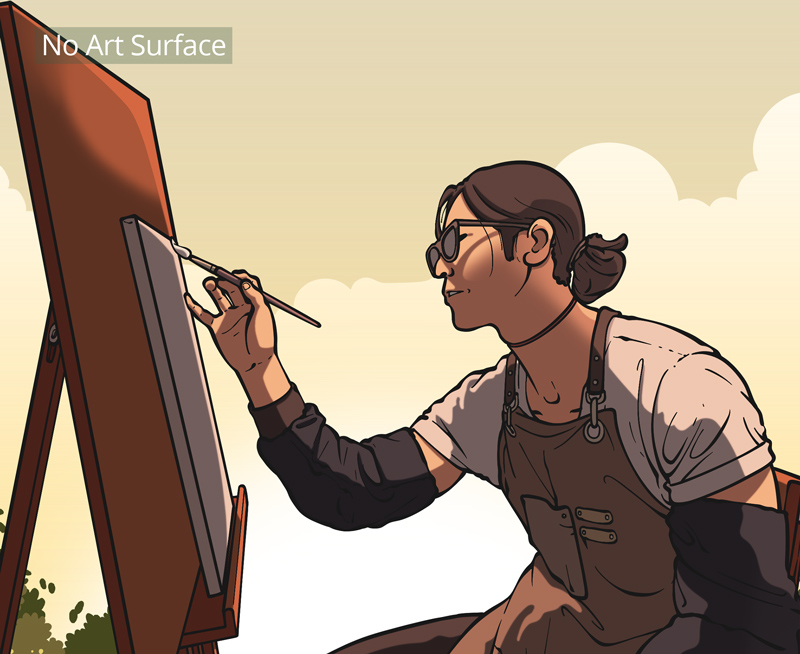
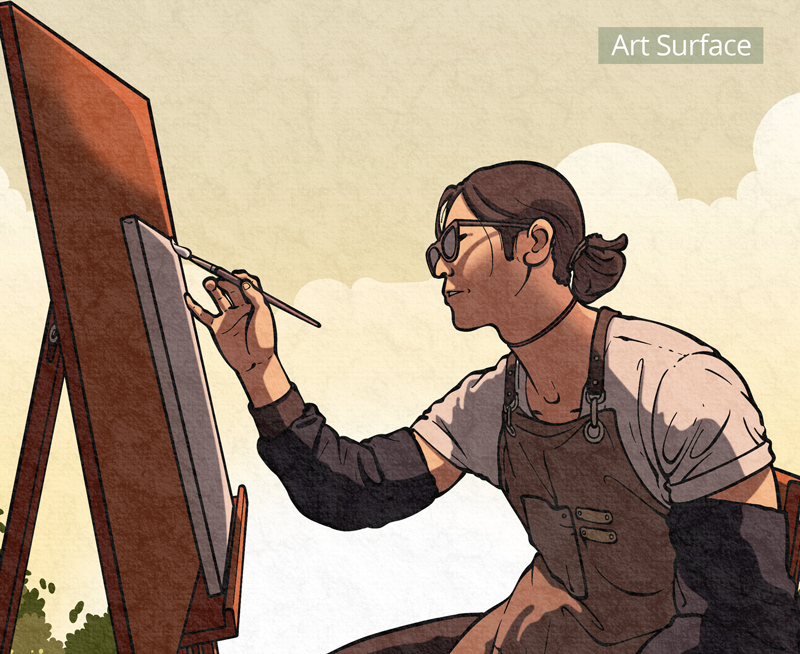
Art Surfaces are:
- Paper Texture Templates that add surface lighting and shadow to your artwork “Live” as you paint.
- Seamless and tileable.
- ‘Smart’ Art Surfaces (AS) are available in Photoshop and/or Procreate formats.
- 1K, 2K 4K Resolutions.
JPEG
Paper Textures Add Personality to Your Artwork
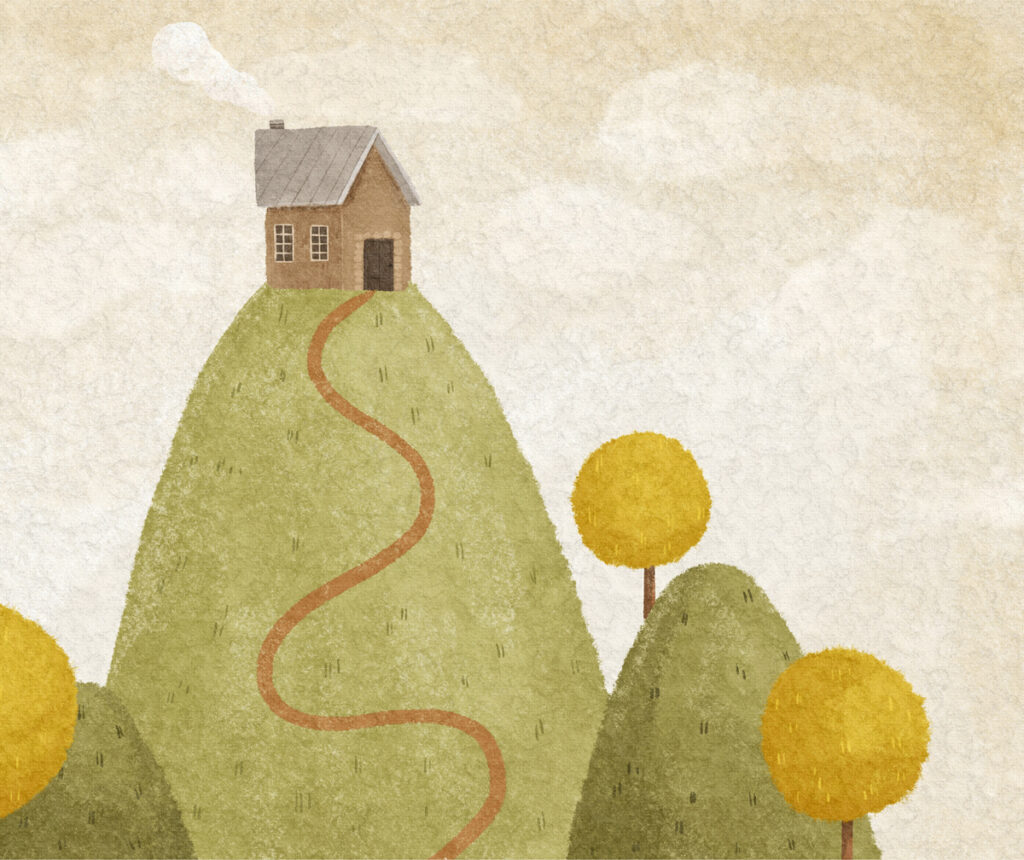
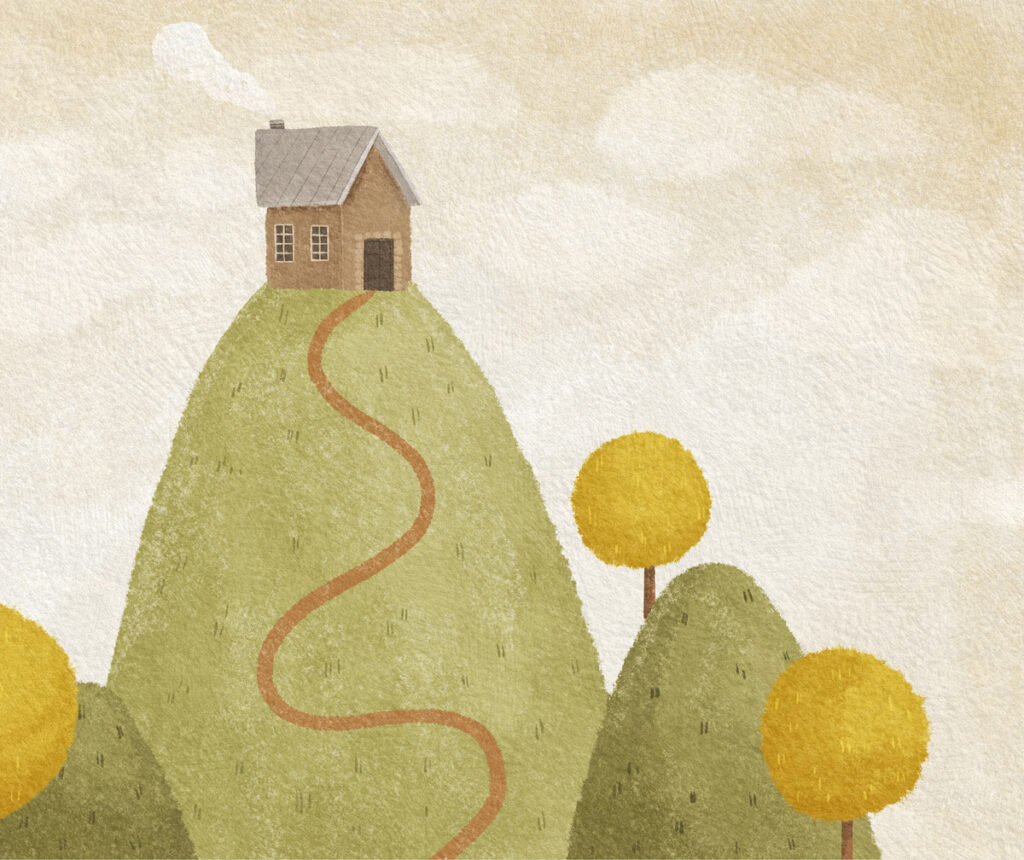
Shown here: Soft and cozy 'Erebis' (left) and the sharp, crispy chiseled 'Clowey' paper (right) • Artwork by The Myro
True 4K Detail
4K Paper Textures allow for so much detail that it can only truly be appreciated when zoomed in.
The Art Surfaces scale so well that you can include details only revealed in the highest quality professional prints.
The hours you spent cross hatching wont be lost in the details.
Perfectly Seamless
Commonly available paper textures quickly reveal pattern loop markers when scaled, but most Paper Texture Company textures can be tiled a lot more due to their “minimal patterning” design.
Perfectly Scaleable
Perfectly seamless in all directions, tiling them in Photoshop is as easy as dragging out the crop tool to any size you want, and all Art Surface layers magically fill in to fit any new size or aspect ratio.
In Procreate, duplicate your layers and move them over until they snap into place to tile seamlessly.
Even the free 1K jpeg paper textures can be tiled manually in any art app to create any size or aspect ratio you want, landscape, portrait, square, etc.
Non-destructive.
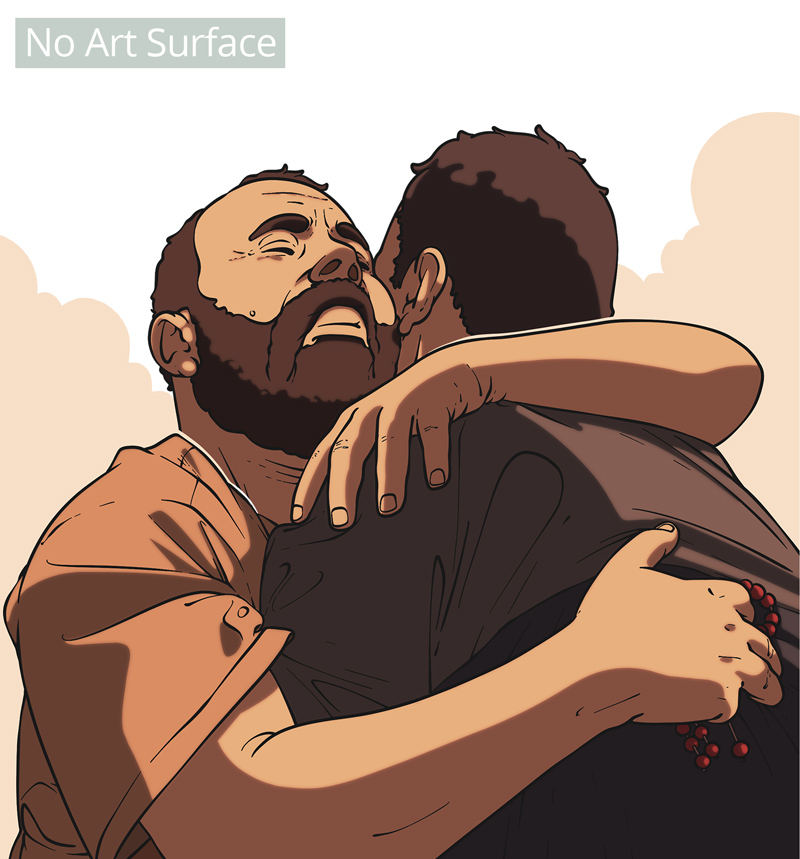
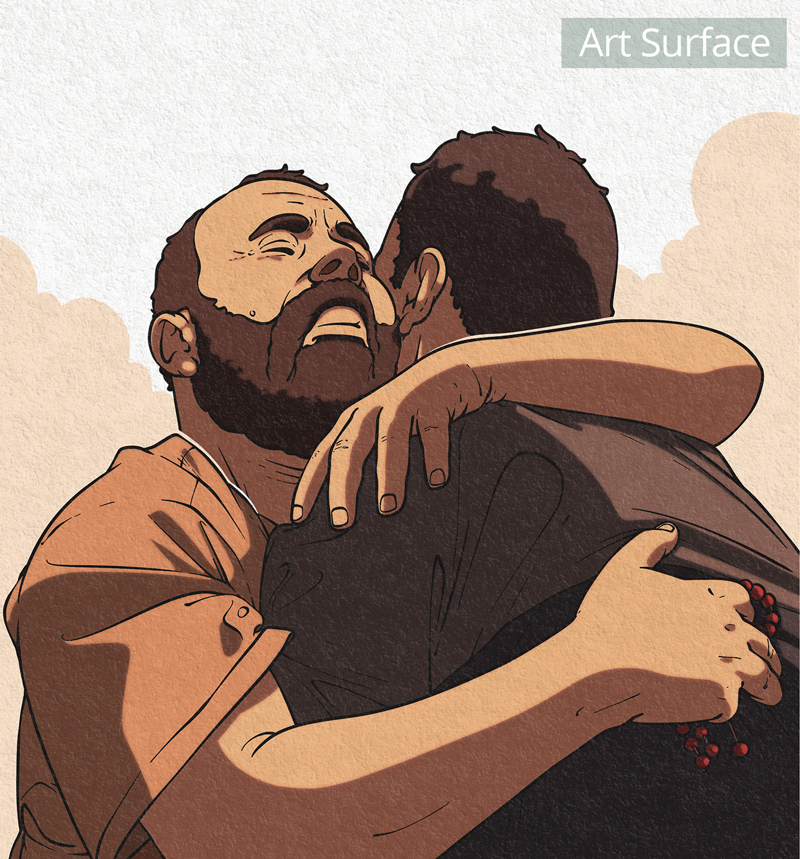
- Add or remove surfaces without affecting the artwork itself.
- Paint in them Live, and change your mind later if you like. The surface texture remains independent of your artwork.
- Use the preset surface lighting or fine-tune the light and shadow layers independently if you prefer.
Precision Lighting Control
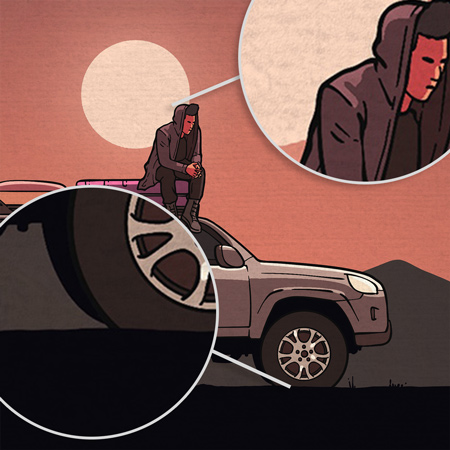
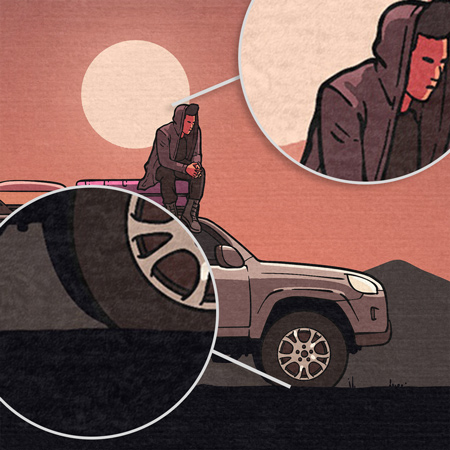
Art Surfaces split the surface texture into separate light and shadow layers, letting you fine-tune how the surface interacts with your particular artwork’s tones.
Want sharper highlights in the blacks? Less texture in the highlights? Now you have that control.
Toggle the switches under this illustration while inspecting the light and dark areas to see the difference for yourself.
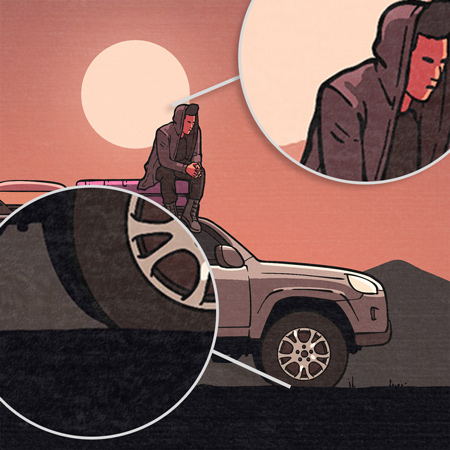
Surface Lighting Only
Surface Shadows Only
Art Surface (Light+Shadow)
Versatility.
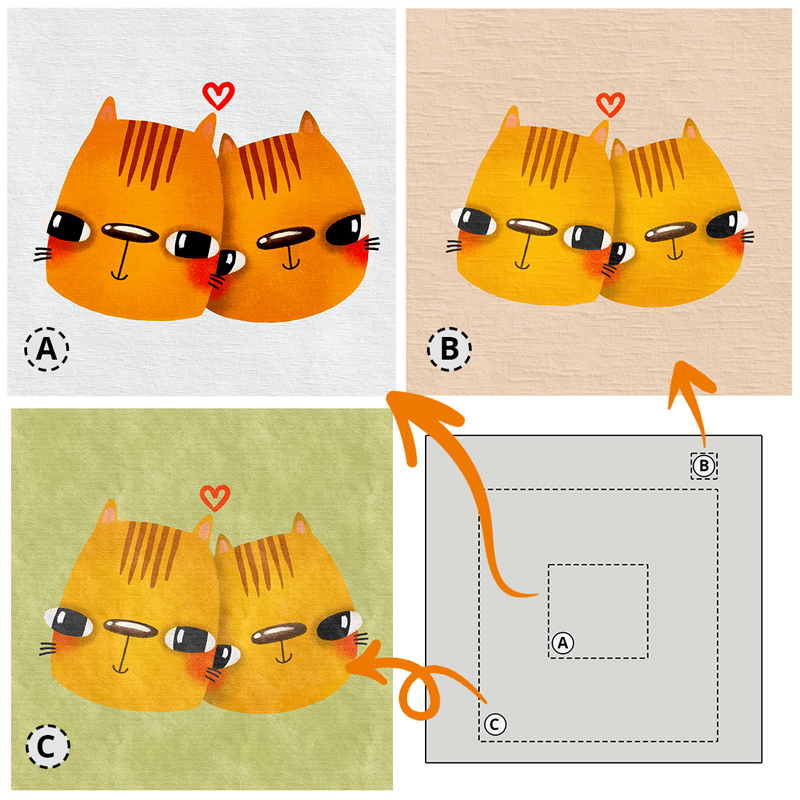
One Art Surface into many.
Versatility.
One Art Surface into many.
Infinitely scalable means infinite options.
Scale, crop, and shift the base colour — a single paper texture can become something different each time.
These three distinct looks are all from one texture, just like you get when cutting real paper.
Crop in a different spot each time and no two textures will be identical.
Cat illustrations by The Myro
From Browsing to Painting in 30 Seconds.
From Browsing to Painting in 30 Seconds.
Jpeg and Procreate Papers are not zipped, which means you can start painting within seconds of choosing your paper texture. (Brushes included!)
No unzipping or cloud storage transfer necessary.* Just tap to download from the ultra-fast server and start painting!
* Photoshop PSDs are zipped as they are over 300MB in size I may change this if costs allow in the future!
Paint in it, Paint on it — With any Medium
You can paint in and on top of the Art Surfaces, to do both underpainting and overpainting, like I’m doing here with this impasto Oil painting sketch.
Reducing the glossiness of the lighting or the strength of the shadows makes the painting appear to sink in or recede from the surface.
The brushes I’m using in this video and hundreds of others are included with Pro Access!
Dozens of Paper Textures
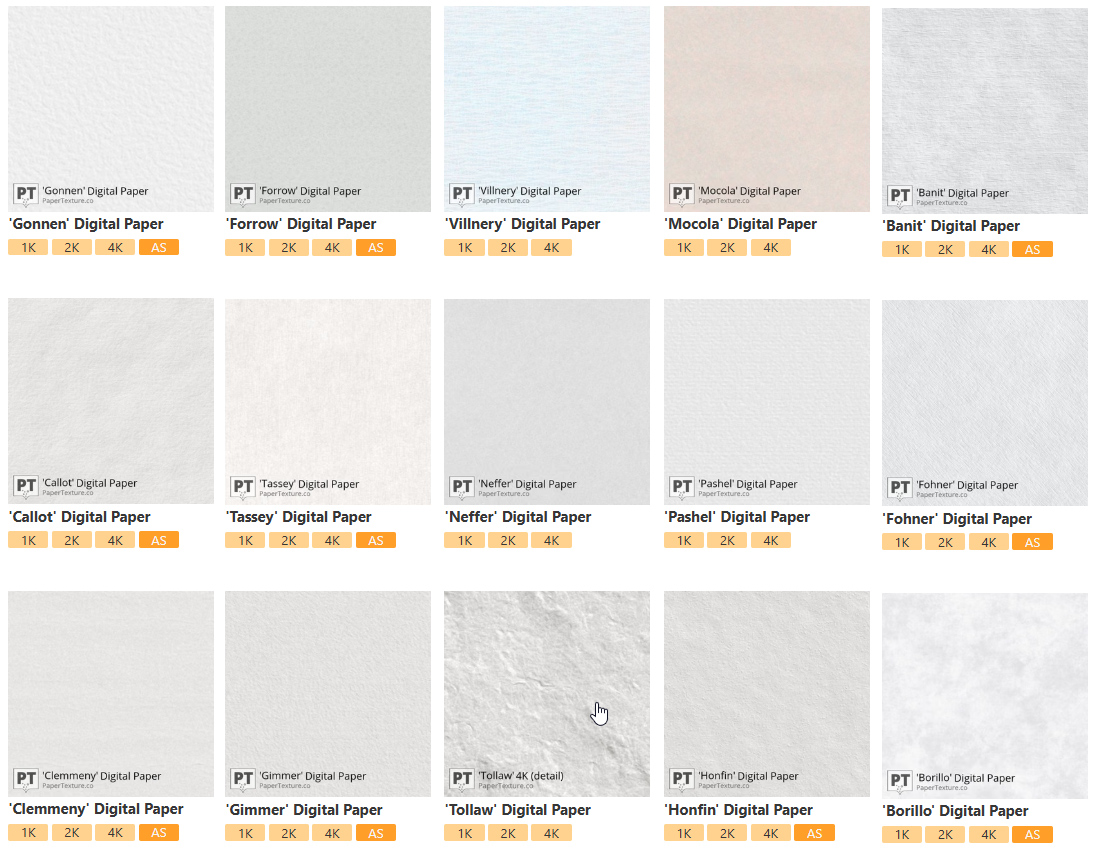
The catalog contains dozens of paper textures with more added weekly.*
*at least 52 new Paper Textures added every year.
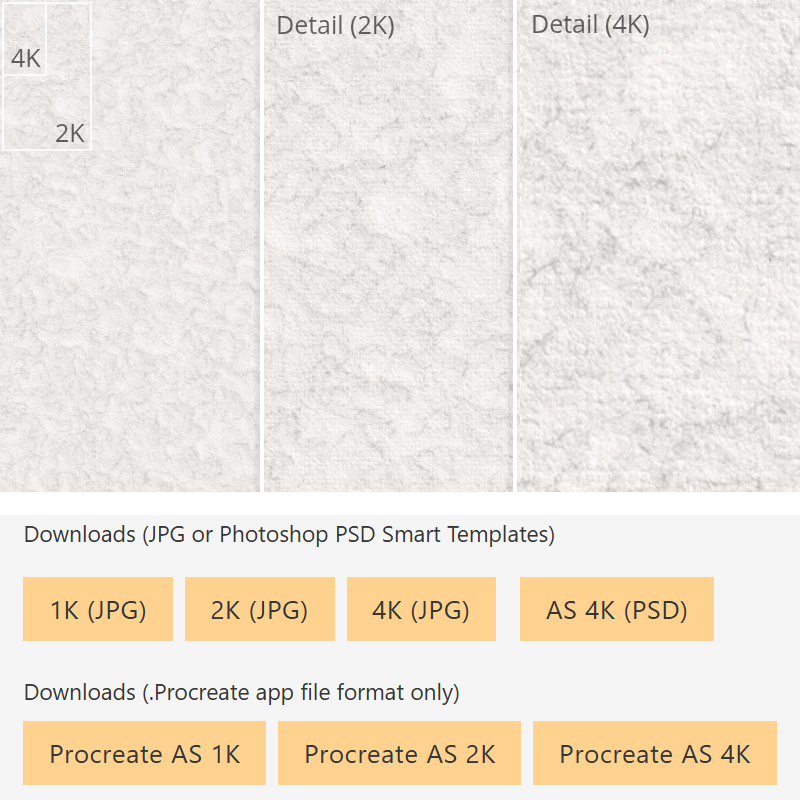
Multiple Formats
Paper Textures are available in multiple formats and resolutions including:
- 1K (1096 x 1096) JPG
- 2K (2048 x 2048)
- 4K (4096 x 4096)
- Procreate Art Surface 1K, 2K 4K (.procreate)
- Photoshop Art Surface 2K, 4K (.PSD) Zipped
Each entry in the catalog contains multiple close up previews so that you can see exactly what it looks like before you download it.
Browse, Preview, Tap, Paint!
Browse the catalog, filter as needed, preview the textures in detail before you start.
One click or tap downloads the file you choose (7 different options currently available)
Ready to use.
The included Art Brushes (Pro Access only) are designed to work with the Art Surfaces. Browse and choose from hundreds in the Brush Library.
Print Resolution
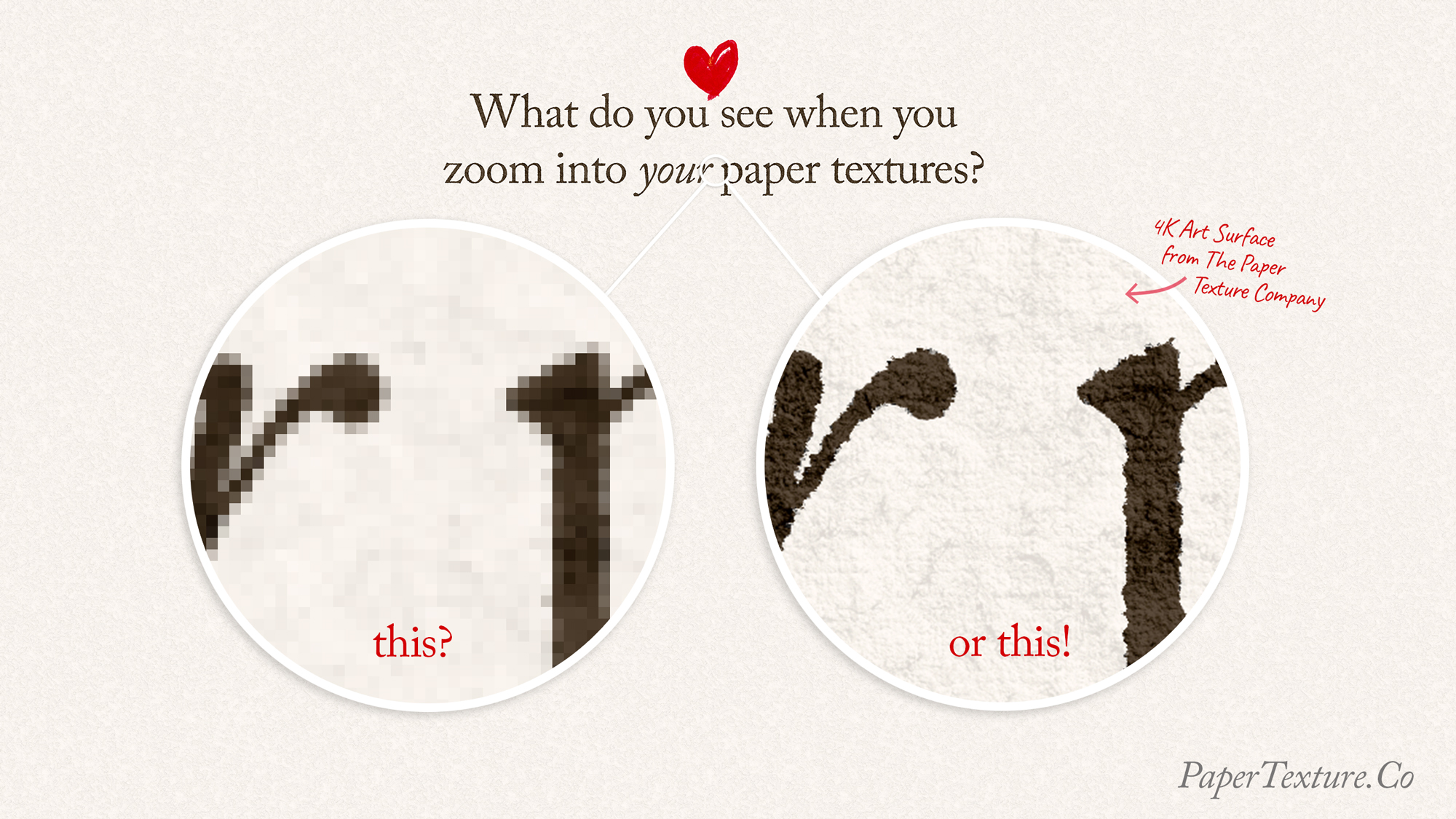
Paper Textures for Fine Art Prints.
Even before tiling, the 4K resolution Art Surfaces are 13″ wide when printed at 300 dpi.
Tile it just once and you have a paper texture for your 26″ Poster print.
Perpetual Commercial License
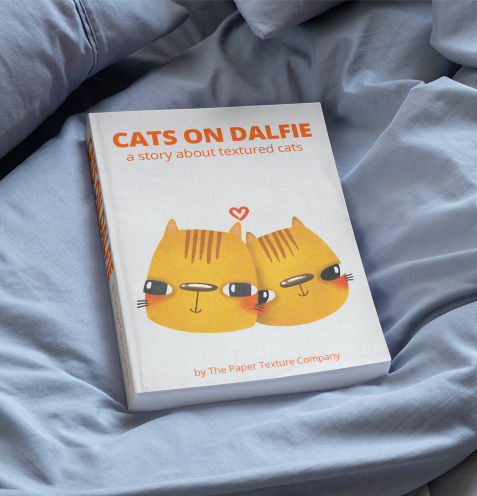
Your Pro account comes with a perpetual commercial license to sell anything you create with them.
Illustrations, posters, postcards, anything you can think of you can sell it.
Your license does not expire.
Pay once, it’s yours forever.
Please do make sure you backup anything you download. Those links DO expire.
What You Get
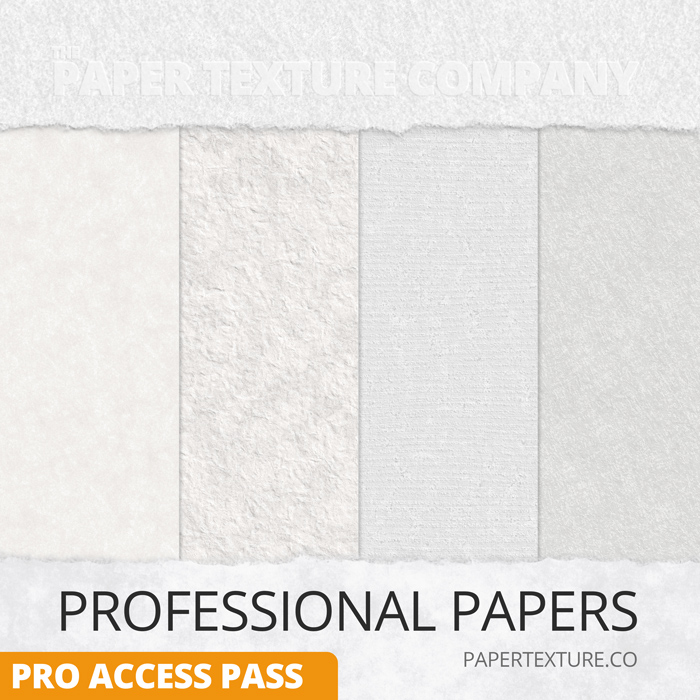
- All Art Surfaces Smart Paper Texture Templates.
- 1K, 2K, 4K JPG Seamless, Tileable Paper Textures.
- Photoshop and or native Procreate files where available.
- All new Art Surfaces and Textures for One Year ( At least 52).
- Art Brushes 500 Library – Browse, download and keep.
- One year of updates.
- Full Buy-Out Perpetual License. (Sell what you make forever)
- 30 Day, 100% Money Back Guarantee.
- Email support.

All Paper Textures are also available as Jpeg images which are compatible with almost every art app in existence.
FAQ - Frequently Asked Questions
Paper Textures
How many paper textures do I get?
There are currently 43 Paper Textures with a new one added on average every week. For example: Some weeks none, some weeks three.
Can I download them all in one file?
Not at the moment, and it’s very unlikely they will ever be available like that. There are too many formats, sizes and resolutions that they wont fit in one file, or even several and it’s just impractical to manage them all in multiple sets.
That’s why you get access to the entire library and can download the exact resolution and format you want when you want it. On demand.
What if I don't like them?
You can try the 1K Jpeg textures as well as the 1K Procreate Art Surfaces for free if you register. That should give you a very good idea of what they are like.
If you buy them and still don’t like them for any reason, let me know in an email within 30 days and I will give you your money back!
Please note that refunding voids your usage license.
Do they work with my app?
They come in multiple formats. Jpeg for all, and many of them are also available as Photoshop PSD and/or .procreate files.
- JPEG, which works in every art app there is. These are flat , single layered files. You can use them as Overlay layers on top of your artwork to affect the layers below if your app allows for layer styles.
- Photoshop Art Surfaces. These are large Photoshop templates that add surface texture lighting and shadow to your artwork layer(s) live, as you paint in them. They also magically scale to any size you make them and have multiple Layer Comp styles (Standard, glossy and Subtle)
- Procreate Art Surfaces. These are multi-layered Procreate files that are templates that add surface texture lighting and shadow to your artwork layer(s) live, as you paint in them.
- Clip Studio Paint. You can import the PSD files into Clip Studio Paint and they will work. CSP doesn’t support the magical auto-scaling or instant looks via Layer Comps that Photoshop supports, but you will get the paper texture template.
For any other apps, you can use the 1k, 2k or 4K jpegs.
What is the resolution, the actual size?
Each digital paper comes in at least 3 different resolutions.
4k: 4096 x 4096 pixels, 34.67 cm, 13.65 inches at 300 dpi
2K: 2048 x 2048 pixels, 17.32 cm, 6.82 inches at 300 dpi
1K: 1024 x 1024 pixels, 8.63 cm, 3.4 inches at 300 dpi
Art Brushes
Do the brushes work with my app?
This is the current list of apps the brushes work in: Photoshop, Clip Studio Paint, Adobe Elements, Artstudio Pro, Fresco, Adobe Sketch and then separately, for Procreate use only .brush format.
Most brushes are available as ABR files. While these can be imported into Procreate, most of them will not paint the same as they do in Photoshop, so I don’t recommend loading ABR files into Procreate, use the .brush Procreate brushes when available instead.
Why can't I use the ABR brushes in Procreate? I do it all the time!
You can, but they probably won’t look like they do in Photoshop, and some won’t work at all.
While Procreate is amazing at importing and converting ABR brushes into Procreate format, many are simply too complicated to be converted properly.
Often people will load an ABR and think it’s working, because it’s painting, but they have never used it as intended so they simply don’t know that it is not performing as it was designed to.
For this reason I recommend only using the Procreate format brushes. You can choose a filter at the top of the page to show only Procreate brushes in the brushes library.
What kind of brushes do you have?
All types! Watercolour, Ink, Impasto, Oil, Pencils, Charcoal, and more. Have a look in the Brush Library. You can see them all. Click or tap on any of them to watch how each one paints.
Most of them are in ABR format, but a growing number are available in Procreate .brush format as well or exclusively. The size of the Procreate collection will definitely grow over the next year.