Looking to download a regular old plain piece of digital paper to sketch on? I was!
So I made one…and you can have it!
When I doodle with a physical pen or pencil at home, I grab a sheet of cheap plain copy paper from a ream on the shelf near my desk.
I wanted that same experience in digital form, something super plain, but with some natural texture, so that I wasn’t always starting to sketch on an un-naturally white void.
Drawing on a white digital background is more like drawing on glass than in a sketchbook.
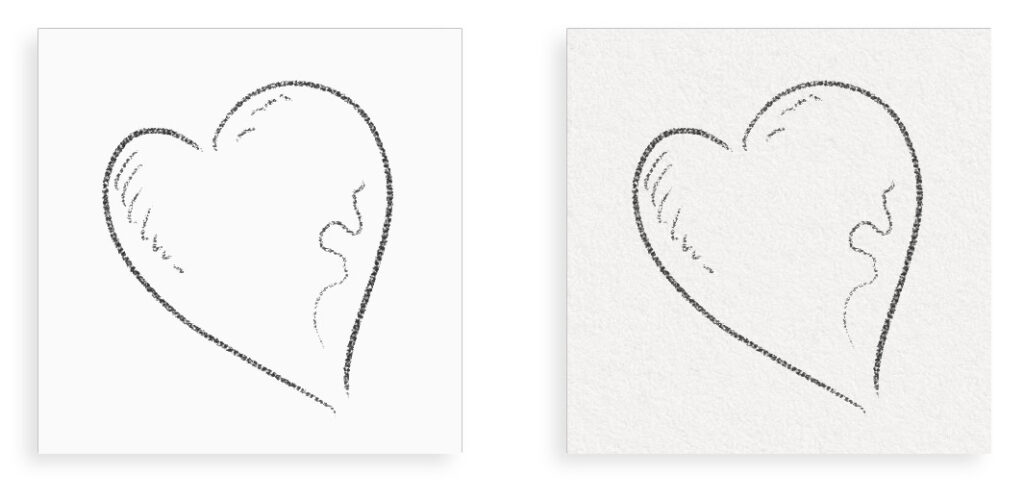
So I created the Plain Paper Art Surface. You can download it below and use it for whatever you want. I’m granting you a free commercial license with it too, just in case you create the next Mona Lisa, I want you to be able to sell it.
Download the digital paper texture used in this video below:
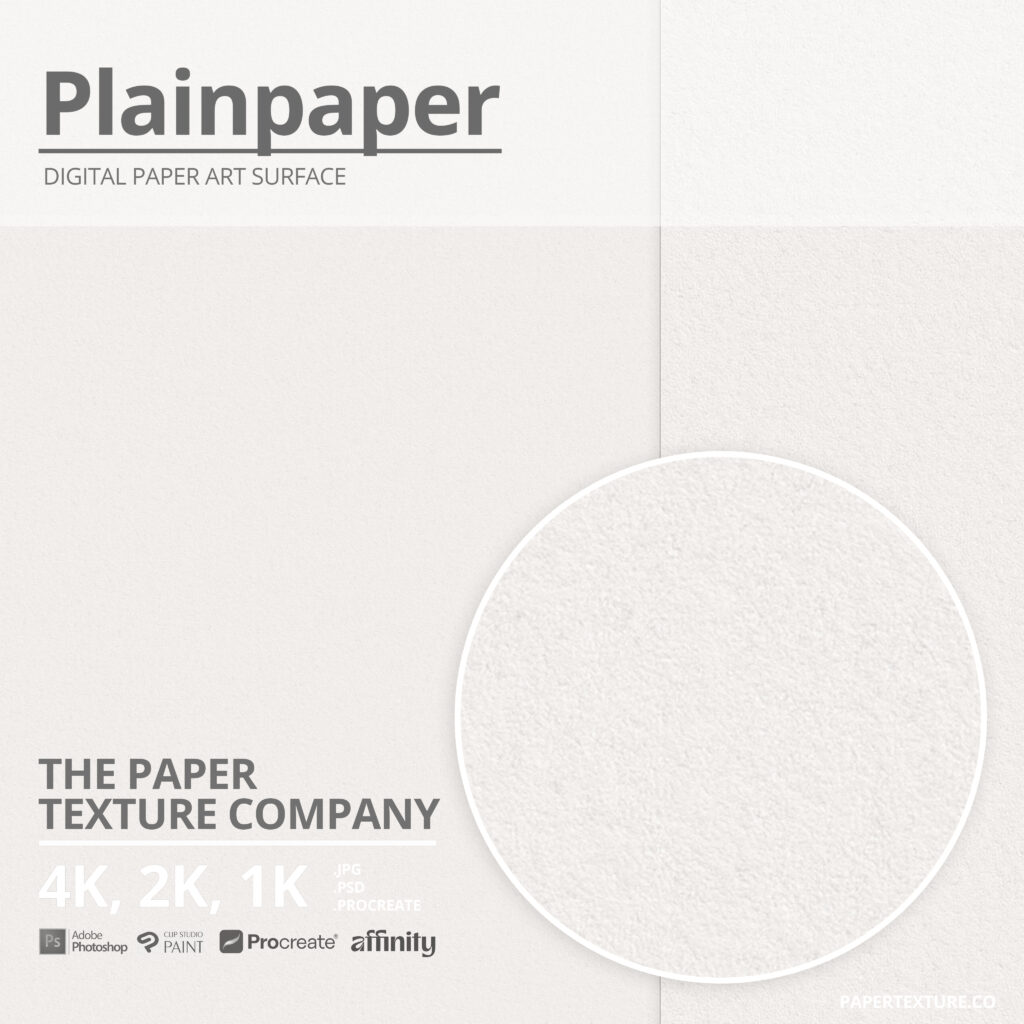
“Plain Paper” | 4K Photoshop Art Surface
• Surface Texture auto-applies to anything in it
• Auto-tiles Seamlessly
• Separate lighting and shadow layers
• 3 “looks” (Subtle, Basic, Glossy)
• 300 dpi Print Ready
• 250 MB Photoshop layered file
• 4096 x 4096 pixels
• Free Commercial License! (sell what you make)

Want the Jpeg paper texture instead?
Above is the 4K Art Surface (layered texture template) for Photoshop, Clip Studio Paint or Affinity Photo Paint. If you prefer to download just the flat, unlayered Jpeg, you can download that too. Here:
Download Flat Paper Texture (JPG)That’s the “full strength” texture. You may want to tone it down or reduce the contrast if you want a more subtle version. Don’t forget you can tint them too if you prefer a warmer or colder tone to work on.
Want ALL the Paper Textures?
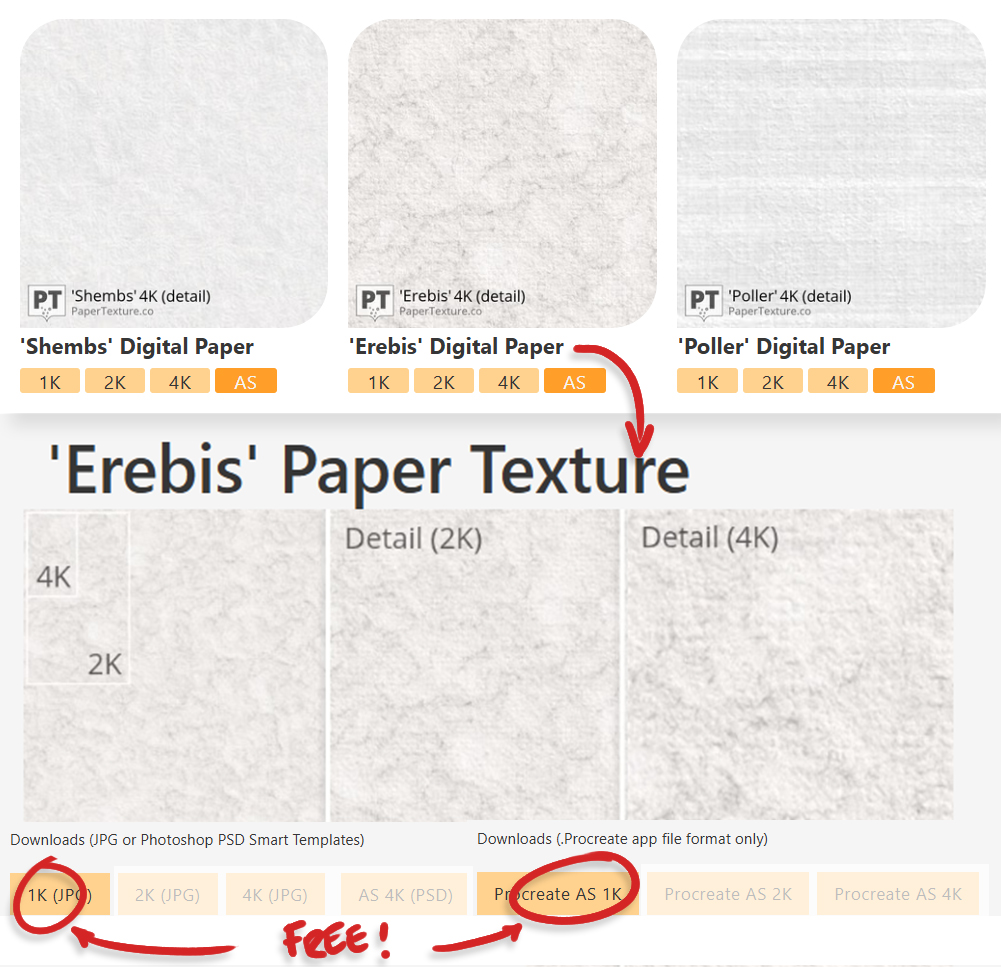
You can download all the 1K JPEGs for free in the Paper Textures library or upgrade to Pro for unlimited 4K Art Surfaces, Procreate Art Surfaces and 4K flat Jpegs with commercial licenses here.
Want the Brush too?
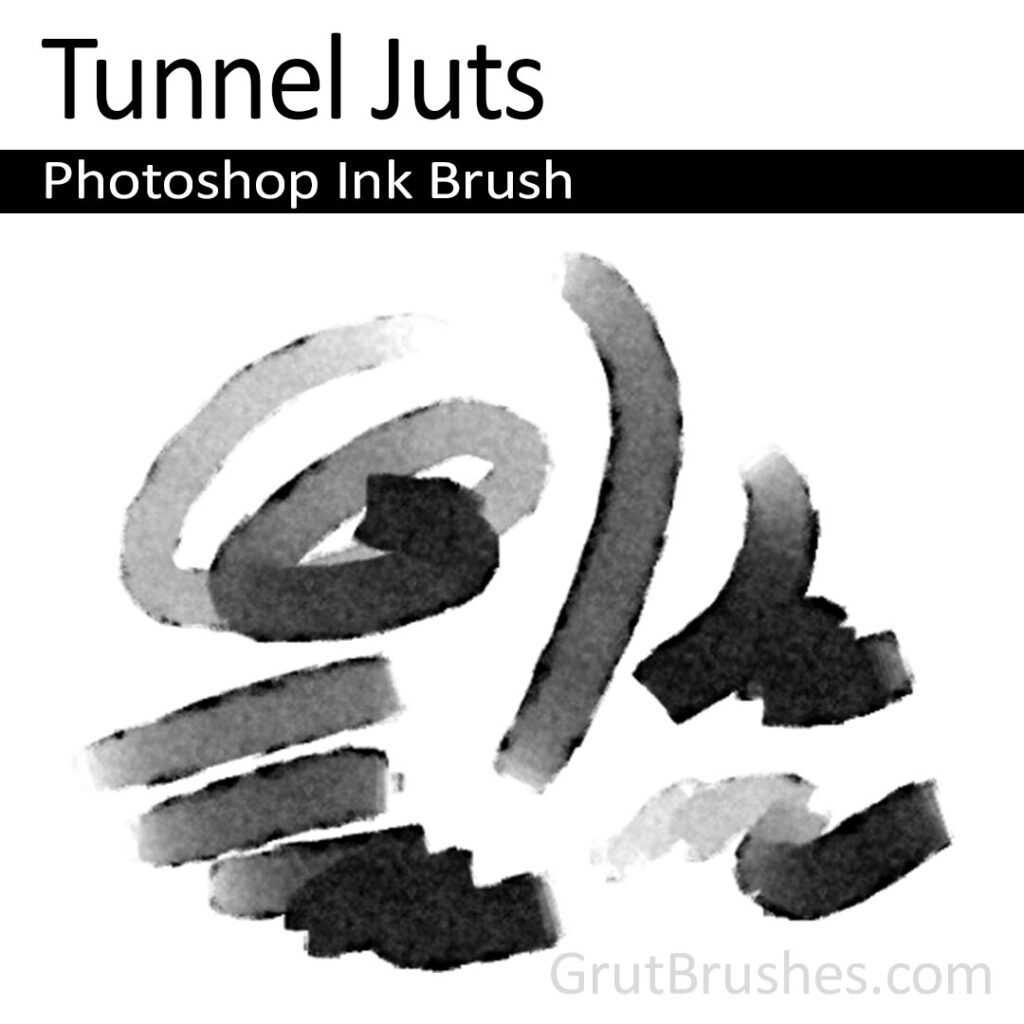
You can also download the Photoshop brush I used in that video if you’d like. It’s from the GrutBrushes Art Brushes 500 collection and it’s an ink brush called Tunnel Juts.
Download Brush (ABR)
Beware: Even though it’s an ABR brush, and many digital art apps say they can import ABR files, I’ve tried importing it into Clip Studio Paint and Affinity Photo but they didn’t import it well and it doesn’t look anything like this in those apps.
This one only really looks like this when used in Photoshop.
[💡If you are a Procreate user and you can convert this brush to look like it does in Photoshop, I want to hear from you!! email me ]
FAQ – Frequently Asked Questions
I opened the file but I don’t see any texture!
With ‘plain’ in the name, this is not meant to be a strong noticeable texture. If anything, you are meant to not notice the texture. It’s there to give you a very subtle organic base to paint and draw on. It is designed to just “be there”, like a blank piece of paper that performs its function without drawing attention to itself. It provides a base for your artwork that has some life in it so you are not starting with a blank, sterile void.
The more you zoom in, the more texture you will see, You may want to crop in to “cut a smaller piece” off. but frankly, if it’s texture you want, this is not the paper you need. Have a look in the Paper texture library where you will find paper with more prominent textures.